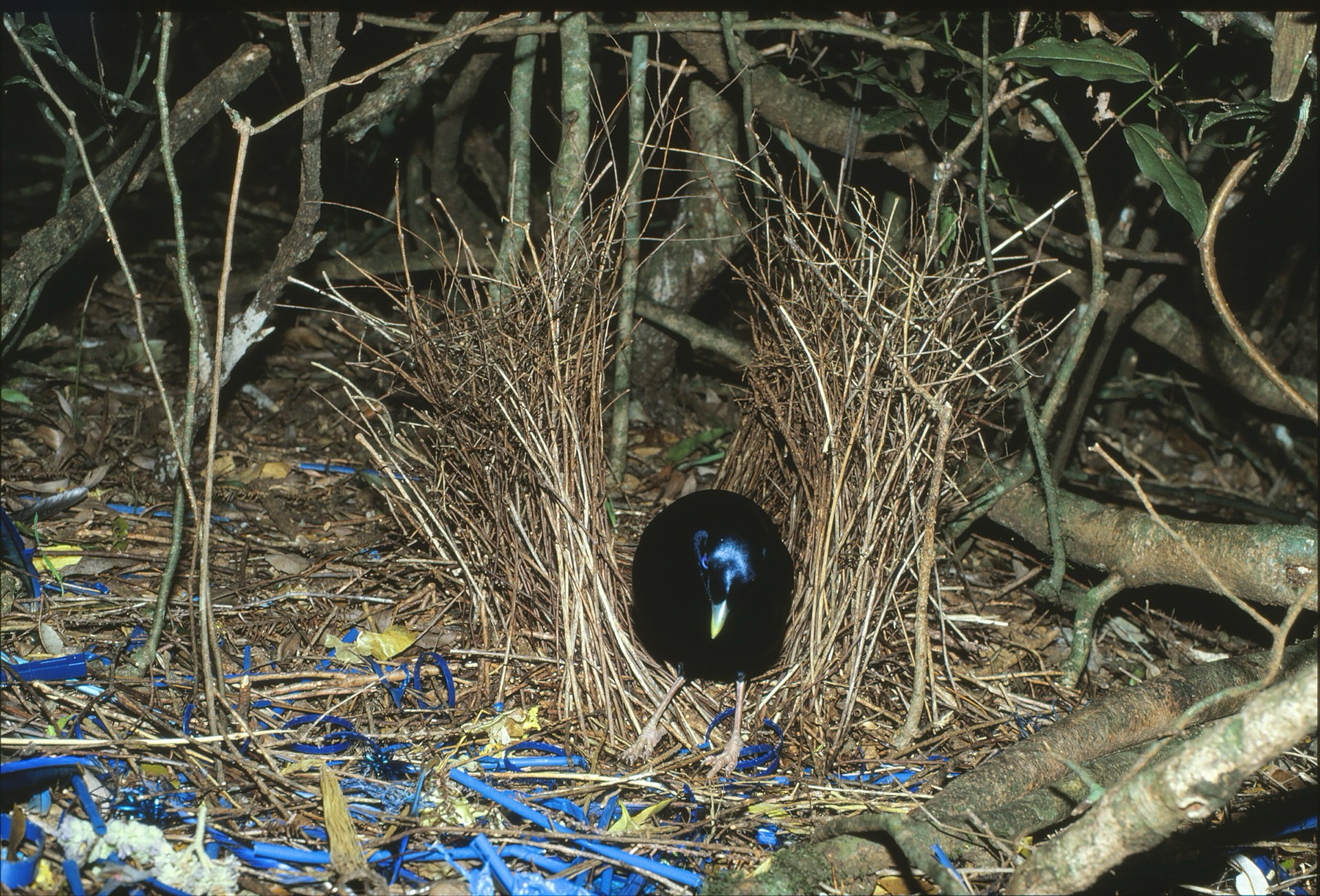
Less hunting. More watching.
A place for
every channel.
Providers have their own way of naming things. Bowerbird brings the channels together in nine familiar groups, so you can find your way around.
Example category names
Choose a category name to see where it goes.
- Sports
- Movies & Series
- Kids
- News
- Documentary
- Music
- Entertainment
- 24/7
- Countries
Make yourself at home.
From download
to the sofa.
Use your invited email address. Your saved provider follows your account across updated devices.
Install on your device
Mac 0.4.0-rc.2
The Mac 0.4.0-rc.2 download is Developer ID signed and notarised. If macOS blocks it, stop and ask the person who invited you for help. Do not disable Gatekeeper or remove quarantine.
Open the downloaded .dmg and drag IPTV.app to Applications. Eject the disk image, then open the copied app from Applications. The app displays as Bowerbird; its file is still named IPTV.app.
Download for MacAndroid TV 0.4.0-rc.2
Install the Downloader app on your TV. In Downloader’s browser, enter:
bb.aviary.tech/tv
Allow Downloader to install apps when your TV asks, then open the APK and choose Install. The app is named Bowerbird.
Android 6.0 or newer. This is the same APK as the phone version.
Have the older IPTV app? If Android says the app wasn’t installed, uninstall IPTV, then install again. Uninstalling removes its saved provider; sign in on an updated Mac first to keep it in your account.
Download Android APKAndroid phone 0.4.0-rc.2
Download the APK, then open it. If prompted, allow your browser to install apps from this source, then choose Install. Look for Bowerbird in your apps.
Android 6.0 or newer.
Have the older IPTV app? If Android says the app wasn’t installed, uninstall IPTV, then install again. Uninstalling removes its saved provider; sign in on an updated Mac first to keep it in your account.
Download Android APKiPhone and iPad: no install available yet.
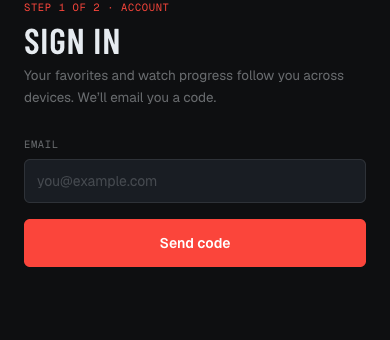
Sign in with your invited email
We’ll email you a six-digit code. Enter it in the app using the address that was invited.
Use your saved provider
Sign in with the same account on TV to use your saved provider without typing provider credentials. If none is saved yet, add your provider once on an updated Mac or phone; it syncs to your account.
Bowerbird is a player. It doesn’t include channels or a TV subscription.